No Means No (But Your Apps Didn't Get the Memo)

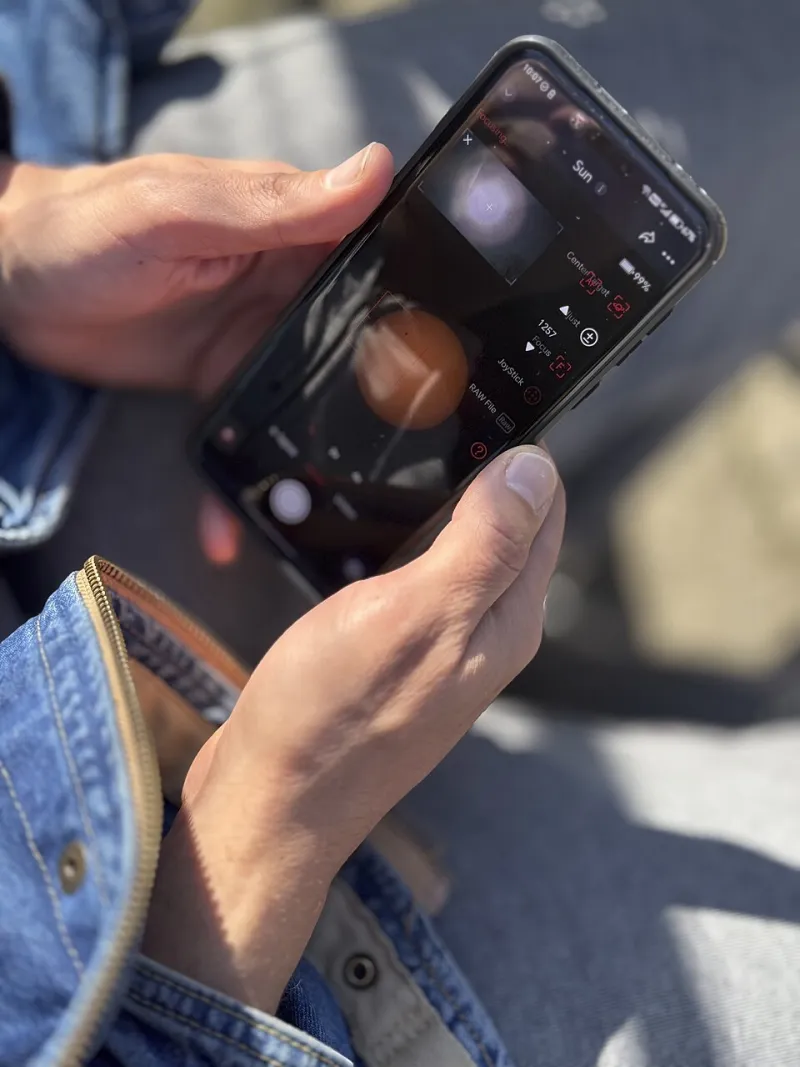
Photo: Julianna Lacoste, CC BY-SA 4.0, via Wikimedia Commons
You download a flashlight app. It asks for your contacts. You say no. A week later, it asks again. You say no again. Then it buries a nudge inside a settings menu, frames it as a feature unlock, and suddenly you're one distracted tap away from handing over your entire address book.
This isn't a glitch. It's a strategy.
The practice of repeatedly re-requesting permissions that users have already denied has a name in UX research circles: permission creep. And while it sounds like a minor annoyance, it's actually a window into how some developers treat user consent — as a soft obstacle rather than a hard boundary.
Why Apps Keep Coming Back for More
Let's start with the obvious question: why would a developer bother pestering users who've already said no?
The short answer is data economics. Permission access — especially to things like location, contacts, microphone, and camera — translates directly into monetization potential. Apps that can build detailed user profiles command higher ad rates. Apps that can access your contact list can fuel viral growth loops. Every denied permission is, from a business standpoint, a missed revenue opportunity.
So developers weigh the annoyance cost of re-prompting against the financial upside of eventually getting a yes. For many, the math works out in favor of asking again. And again.
There's also a behavioral psychology angle here. Research consistently shows that repeated exposure to a request increases the likelihood of compliance — a phenomenon sometimes called the "mere exposure effect" applied to UI design. Developers know that if they ask enough times, in enough different contexts, a meaningful percentage of users will eventually relent, often just to make the prompts stop.
How iOS and Android Handle (and Mishandle) This
Both major mobile platforms have tried to put guardrails around permission re-requests, but their approaches have notable gaps.
On iOS, Apple introduced a rule years ago that limits how many times an app can natively prompt for a permission after a user denies it — essentially once through the system dialog, and then the app is supposed to back off. If you deny access, the app can't trigger the official system prompt again. However, apps can still build their own custom in-app screens that explain why they want the permission and direct you to your phone's Settings to manually re-enable it. This workaround is technically within Apple's guidelines, which means it's not going away anytime soon.
Android has a slightly different setup. It allows apps to re-prompt under certain conditions, and if you tap "Deny" twice, Android will typically apply a "Don't ask again" flag. But here's the catch: not every Android version or device manufacturer implements this consistently. On some builds, that second denial triggers permanent blocking; on others, the behavior is murkier. Fragmentation is Android's old nemesis, and it shows up here too.
Both platforms allow developers to create pre-permission screens — custom interstitials that appear before the official system prompt. These screens are designed to prime you with a compelling reason to say yes, so by the time the real prompt appears, you're more likely to approve it. That's not inherently deceptive, but it does set the stage for the darker patterns that follow.
The Dark Pattern Playbook
When straightforward re-prompting doesn't work, some apps escalate to more manipulative tactics. A few of the most common ones worth knowing:
Feature gating: The app tells you a specific feature — one that sounds genuinely useful — is locked until you grant the permission. Sometimes the feature really does require that access. Often, it doesn't, or the connection is tenuous at best.
Misleading button labels: Instead of a clear "No thanks" option, the decline button reads something like "Skip for now" or "Maybe later," implying the request will resurface (which it will). Meanwhile, the accept button is visually dominant — larger, brighter, positioned for a natural thumb tap.
Bundled consent: The app folds a permission request into a broader terms update or onboarding flow, where users are clicking through quickly and may not register what they're agreeing to.
Guilt-trip framing: Copy that reads something like "Without location access, we can't give you the experience you deserve" puts the emotional burden on the user for saying no. It's subtle, but it works on a lot of people.
Notification-based nudges: Even after you've denied a permission, apps can use push notifications (if you've allowed those) to remind you that you're "missing out" by not enabling camera or microphone access.
What You Can Actually Do About It
Here's the good news: you have more control than these apps want you to think.
Audit your permissions regularly. On iPhone, go to Settings > Privacy & Security and review each category — Location, Contacts, Camera, Microphone, and so on. You'll likely find apps with access you don't remember granting. On Android, it's Settings > Privacy > Permission Manager. Make this a monthly habit, not a one-time thing.
Use "Ask Next Time" or "While Using" modes strategically. Both iOS and Android let you grant location access only while an app is open, rather than always-on. This is a good middle ground for apps you use but don't fully trust with persistent tracking.
Delete and reinstall only when necessary. Some users think deleting an app resets the permission conversation entirely. On iOS, it does clear stored permissions — but if you reinstall, you'll face the prompts again. Only do this if you genuinely need the app.
Check for apps using permission access in the background. iOS has indicators (the orange dot for microphone, green for camera) that show real-time access. Android has a similar privacy dashboard. Use them.
When in doubt, go to Settings manually. If an app is directing you to Settings to enable a permission you've denied, that's a sign it's working around the system prompt limit. You're not obligated to follow through just because the app is being persistent.
The Bigger Picture
Permission creep is, at its core, a trust problem. Every time an app re-requests something you've already declined, it's signaling that your preferences are inconvenient rather than respected. The most well-designed apps — the ones worth keeping on your phone — ask for what they need, explain why clearly, and accept your answer the first time.
The ones that keep pushing? They're telling you something important about how they see you: not as a user, but as a data source to be unlocked.
Pay attention to that signal. Your phone's permission settings are one of the few places where you still have meaningful leverage over your own privacy. Use them like you mean it.